
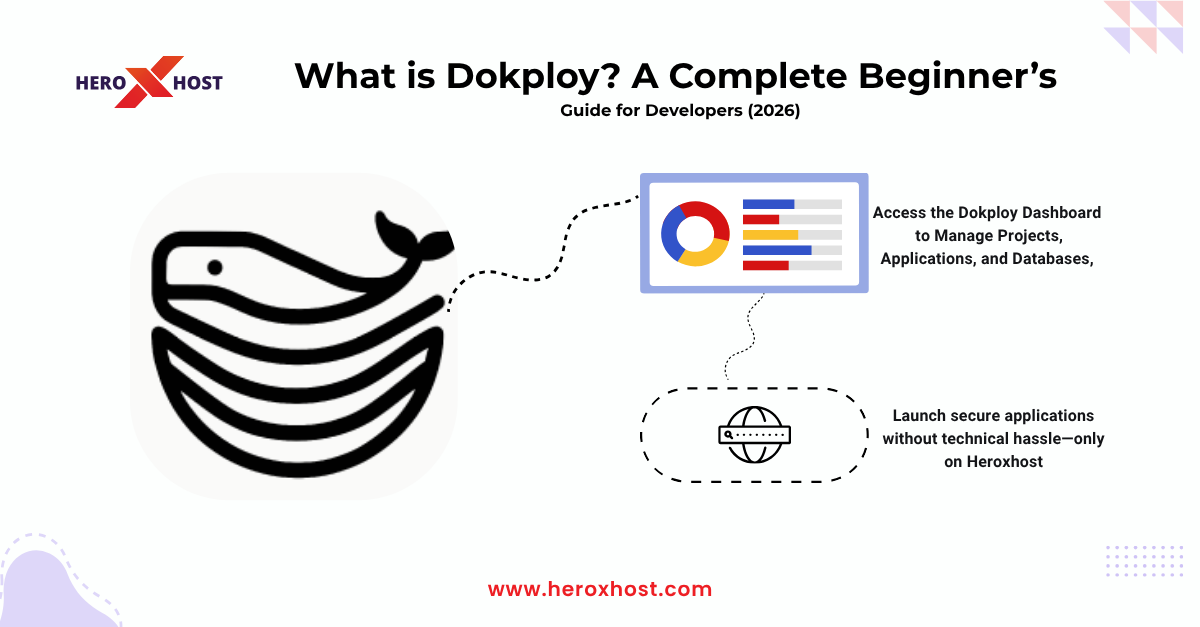
In 2026, application deployment is no longer just about uploading files to a server—it’s about speed, automation, scalability, and simplicity. Developers today demand tools that reduce manual effort while improving efficiency, and that’s exactly where Dokploy comes in. Whether you’re a beginner trying to deploy your first app or a startup scaling multiple projects, Dokploy simplifies the entire deployment process. Instead of dealing with complex server commands, configurations, and DevOps pipelines, you can manage everything through an intuitive interface. This guide will help you understand what Dokploy is, how it works, and why it’s becoming a popular choice among developers worldwide.
What is Dokploy?
Dokploy is a modern self-hosted deployment platform that allows developers to deploy, manage, and scale applications easily using Docker-based infrastructure. It works as a simplified alternative to complex DevOps tools by providing a clean dashboard where you can control your entire deployment process. In simple words, Dokploy acts like your personal deployment manager. It connects your code (from GitHub or GitLab), builds your application, and deploys it on your server without requiring deep technical knowledge. Instead of writing long commands or setting up complicated CI/CD pipelines manually, Dokploy automates everything—from build to deployment—making it ideal for developers who want speed and simplicity.
Why Dokploy is Gaining Popularity Among Developers
The rise of Dokploy is directly connected to the increasing need for faster and easier deployment solutions. Traditional hosting methods often involve manual setup, server management, and configuration errors, which can slow down development. Dokploy solves these problems by offering automation and a user-friendly interface. Developers can deploy applications in minutes instead of hours. It also reduces dependency on DevOps engineers, making it a great choice for startups and solo developers. Another reason behind its popularity is flexibility. Dokploy supports multiple programming languages and frameworks, making it suitable for modern development environments.
How Dokploy Works
Dokploy follows a simple and automated deployment process:
- Connect Repository: Link your Git repository (like GitHub) to Dokploy, allowing it to access your project code.
- Automatic Code Pull: Once connected, Dokploy automatically pulls the latest code from your repository.
- Containerization with Docker: Dokploy uses Docker to containerize your application, ensuring consistent performance.
- Build & Deployment: It builds your application and deploys it directly to your server without manual intervention.
- Monitoring Dashboard: Track logs, performance, and updates easily through Dokploy’s user-friendly dashboard.
- Auto Redeployment: Whenever you push new code, Dokploy automatically redeploys the updated version of your application.
Key Features of Dokploy
Dokploy offers a range of features that make it a powerful deployment tool for developers. One of its main features is one-click deployment, which allows you to deploy apps quickly without complex setup. It also provides automatic updates, ensuring your application stays up-to-date with the latest changes. Another important feature is Docker integration, which guarantees consistency and scalability. Dokploy also includes built-in monitoring tools, so you can track your application’s performance easily. Additionally, it supports multiple applications on a single server, helping developers manage several projects efficiently.
Benefits of Using Dokploy for Developers
Using Dokploy offers several advantages, especially for beginners and growing businesses. It saves time by automating repetitive tasks like deployment and updates. This allows developers to focus more on coding rather than server management. It also reduces errors because everything is handled through a structured system instead of manual commands. This improves reliability and stability. Dokploy is also cost-effective, as you can run multiple applications on a single VPS server, reducing hosting expenses. For developers who want to scale their applications, Dokploy provides a flexible and efficient solution without requiring deep DevOps expertise.
Example: Deploying a Node.js App Using Dokploy
Let’s understand Dokploy with a simple example. Imagine you have built a Node.js application and want to deploy it online. Traditionally, you would need to configure a server, install dependencies, set up environment variables, and manage deployments manually. With Dokploy, the process becomes much simpler. You just connect your GitHub repository to Dokploy, select your Node.js project, and click deploy. Dokploy automatically builds your application using Docker and hosts it on your server. Whenever you update your code and push changes to GitHub, Dokploy automatically redeploys the latest version of your app. This example shows how Dokploy eliminates complexity and speeds up deployment significantly.
Dokploy vs Traditional Hosting
Traditional hosting requires manual setup, including server configuration, file uploads, and environment management. This process can be time-consuming and error-prone. Dokploy, on the other hand, automates everything. It reduces the need for manual intervention and provides a streamlined workflow. While traditional hosting may still be suitable for simple static websites, Dokploy is ideal for modern applications that require continuous updates, scalability, and automation.
Dokploy vs Other Deployment Tools
Compared to other deployment tools like Coolify or CapRover, Dokploy focuses on simplicity and ease of use. It is designed for developers who want a clean interface without unnecessary complexity. While other tools may offer advanced configurations, they often require more technical knowledge. Dokploy strikes a balance between functionality and usability, making it beginner-friendly while still powerful.
How Heroxhost Can Help You with Dokploy
If you want to use Dokploy effectively, having the right hosting infrastructure is essential. This is where Heroxhost can support your journey. Heroxhost provides high-performance VPS hosting that is optimized for modern deployment tools like Dokploy. With reliable uptime, fast SSD storage, and scalable resources, you can run multiple applications smoothly without performance issues. You also get full control over your server, allowing you to install and configure Dokploy easily. Whether you’re a beginner or an experienced developer, Heroxhost offers a stable and secure environment for deploying your applications. Additionally, the platform ensures affordability, so you can scale your projects without worrying about high costs. This makes it a practical choice for startups, freelancers, and growing businesses.
Best Use Cases of Dokploy
Dokploy is suitable for a wide range of use cases. It is ideal for startups that need quick deployment without hiring a dedicated DevOps team. Freelancers can use it to manage multiple client projects efficiently. It is also perfect for SaaS applications that require continuous updates and scalability. Developers working on side projects or personal apps can benefit from its simplicity and automation. Overall, Dokploy fits perfectly into modern development workflows where speed and efficiency are priorities.
Common Mistakes to Avoid When Using Dokploy
While Dokploy simplifies deployment, there are still some common mistakes developers should avoid. One mistake is choosing low-performance hosting, which can affect application speed and reliability. Always use a reliable VPS provider. Another mistake is not configuring environment variables properly, which can lead to errors during deployment. Ignoring security settings is also risky. Make sure your server is properly secured to avoid vulnerabilities. Lastly, not monitoring your application regularly can cause issues to go unnoticed. Always keep track of performance and logs.
Conclusion: Is Dokploy Worth It in 2026?
Dokploy is undoubtedly one of the most efficient deployment tools available in 2026. It simplifies complex processes, saves time, and allows developers to focus on what truly matters—building great applications. For beginners, it removes the fear of server management, while for experienced developers, it speeds up workflows and improves productivity. When combined with a reliable hosting solution like Heroxhost, Dokploy becomes even more powerful. Together, they create a seamless environment for building, deploying, and scaling modern applications. If you’re looking for a simple yet effective deployment solution, Dokploy is definitely worth trying.
FAQs
1. Is Dokploy free to use?
Yes, Dokploy is an open-source and self-hosted platform, which means you can use it for free. However, you will need a VPS server to run it.
2. Do I need coding knowledge to use Dokploy?
Basic knowledge of development and Git is helpful, but Dokploy is beginner-friendly and does not require advanced DevOps skills.
3. Which hosting is best for Dokploy?
A VPS hosting solution with good performance, SSD storage, and scalability is ideal. Platforms like Heroxhost are suitable for running Dokploy efficiently.
4. Can I deploy multiple apps using Dokploy?
Yes, Dokploy allows you to manage and deploy multiple applications on a single server.
5. Is Dokploy better than traditional hosting?
For modern applications, yes. Dokploy offers automation, faster deployment, and better scalability compared to traditional hosting methods.
6. Is Dokploy secure?
Dokploy is secure when properly configured. Always follow best practices like using firewalls, SSL, and secure credentials.