
Deploying applications on a Virtual Private Server (VPS) has always been considered a technical and sometimes overwhelming process. Developers often need to deal with server configuration, environment setup, deployment pipelines, and ongoing maintenance. For beginners and even intermediate users, this can slow down productivity and increase the chances of errors. Dokploy changes this experience completely. It is designed to simplify application deployment by providing an easy-to-use platform where most of the complex tasks are handled automatically. Instead of focusing on infrastructure, developers can focus on building and improving their applications. In this blog, we will explore how Dokploy on VPS makes deploying apps on a VPS simple, efficient, and accessible—even without deep technical expertise.
What is Dokploy?
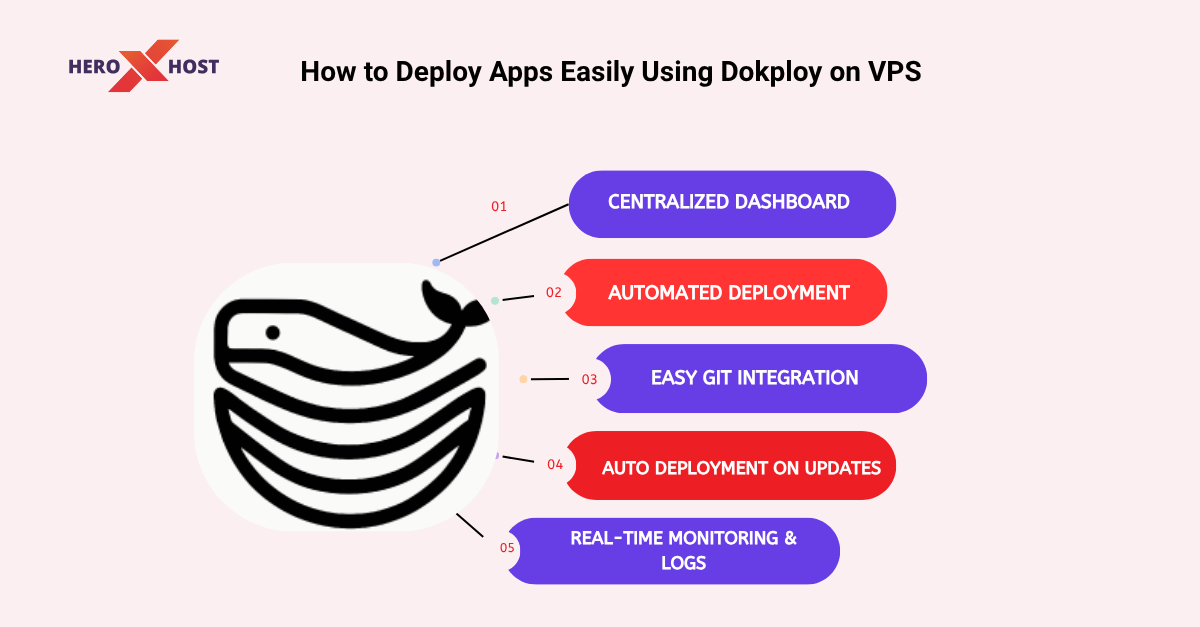
Dokploy is a modern, self-hosted deployment platform that allows you to manage and deploy applications directly on your VPS. It works as a bridge between your code repository and your server, automating the entire deployment workflow. Instead of manually setting up environments, configuring servers, and managing containers, Dokploy provides a centralized dashboard where everything can be handled in a few steps. It supports multiple programming environments and simplifies deployment for both frontend and backend applications. Its main goal is to make VPS hosting feel as easy as using a cloud platform, while still giving you full control over your infrastructure.
Why Dokploy is Gaining Popularity
Dokploy is becoming increasingly popular among developers and startups because it removes many traditional barriers associated with deployment. One of the biggest reasons is its simplicity. The platform is designed to be intuitive, which means even users with limited DevOps knowledge can use it effectively. Another key advantage is cost efficiency. Since Dokploy on VPS runs on your own VPS, you avoid high monthly fees associated with managed hosting platforms. This makes it an ideal choice for startups, freelancers, and small businesses. Additionally, Dokploy supports automation, which reduces manual effort and ensures consistent deployments. This improves reliability and saves valuable time.
Understanding VPS Deployment in Simple Terms
Before diving deeper into Dokploy, it is important to understand what deploying on a VPS actually means. A VPS is a virtual server that acts like a dedicated machine, giving you control over resources such as CPU, memory, and storage. Traditionally, deploying an app on a VPS involves multiple steps, including installing dependencies, configuring environments, setting up web servers, and ensuring the application runs continuously. This process often requires technical expertise and can be time-consuming. Dokploy on VPS simplifies this entire workflow by handling most of these steps behind the scenes, allowing users to deploy applications without worrying about server complexities.
How Dokploy on VPS Simplifies the Deployment Process
Dokploy transforms the deployment process into a streamlined experience. Instead of manually interacting with the server, users can manage everything through a graphical interface. The platform connects directly to your code repository, detects your application structure, and prepares the environment automatically. It handles tasks such as building the application, running it in a container, and making it accessible online. This automation reduces the risk of human error and ensures that deployments are consistent every time. It also makes the process significantly faster compared to traditional methods.
Getting Started with Dokploy on a VPS
Setting up Dokploy on a VPS is designed to be straightforward. Once installed, it provides access to a dashboard where all deployment activities are managed. Users can create projects, connect repositories, and deploy applications without needing to write complex commands. The initial setup typically involves configuring basic settings and creating an admin account. After that, the platform is ready to use for deploying applications. This simplicity is one of the key reasons why Dokploy on VPS is suitable for beginners as well as experienced developers.
Connecting Your Application Repository
One of the most important steps in using Dokploy on VPS is connecting your application’s code repository. This allows the platform to access your project files and prepare them for deployment. Dokploy supports popular version control platforms, making it easy to integrate your existing workflow. Once connected, it automatically fetches your project and prepares it for deployment. This integration eliminates the need for manual file uploads or server-side configuration, making the process more efficient and organized.
Configuring Your Application for Deployment
After connecting your repository, Dokploy allows you to configure how your application should run. This includes setting up environment variables, defining how the application starts, and specifying necessary resources. The platform is designed to detect common frameworks and configurations automatically, which reduces the need for manual setup. This makes it easier for users who may not be familiar with deployment configurations. Proper configuration ensures that your application runs smoothly and performs well in a live environment.
Deploying Your Application with Ease
Once everything is set up, deploying your application becomes a simple process. Dokploy on VPS guide all the technical steps in the background, including building and running your application. The platform provides real-time updates during deployment, allowing you to monitor progress and identify any issues quickly. This transparency helps users feel more confident and in control of their deployments. Within a short time, your application becomes live and accessible to users.
Managing Domains and Security
After deployment, you can connect your application to a custom domain. This makes your app more professional and easier to access. Dokploy supports domain integration, allowing you to link your VPS to your domain seamlessly. Security is also an important aspect of deployment. Dokploy on VPS helps in setting up secure connections, ensuring that your application is protected. This includes features like SSL support, which encrypts data and builds user trust. These features make Dokploy on VPS suitable for both personal projects and business applications.
Monitoring and Maintaining Your Application
Deployment is not a one-time task. Applications require monitoring and maintenance to ensure they run smoothly. Dokploy provides tools that allow you to track performance, view logs, and identify errors. These insights help you quickly resolve issues and maintain application stability. Instead of manually checking server performance, you can access all relevant information from a single dashboard. This centralized approach makes application management much more efficient.
Automatic Updates and Continuous Deployment
One of the most powerful features of Dokploy on VPS is its ability to automate updates. Whenever changes are made to your code repository, the platform can automatically redeploy the updated version of your application. This ensures that your application always stays up to date without requiring manual intervention. It also reduces the chances of deployment errors and improves workflow efficiency. For teams and developers working on active projects, this feature is extremely valuable.
Use Cases of Dokploy
Dokploy can be used for a wide range of applications. It is suitable for deploying websites, APIs, and full-stack applications. Developers can also use it for testing environments and staging setups. Startups can benefit from its cost-effective approach, while freelancers can use it to manage multiple client projects easily. Its flexibility makes it a versatile tool for different use cases.
Best Practices for Smooth Deployment
To get the best results from Dokploy, it is important to follow certain best practices. Keeping your code clean and optimized ensures faster deployments and better performance. Using environment variables helps in maintaining security and flexibility. Regular monitoring allows you to detect issues early and prevent downtime. Additionally, maintaining backups ensures that your data is safe in case of unexpected failures. Following these practices can significantly improve your deployment experience.
Challenges You Might Encounter
While Dokploy simplifies many aspects of deployment, users may still face some challenges. Limited VPS resources can affect performance if the application is resource-intensive. There may also be a learning curve for users who are completely new to deployment concepts. However, with time and practice, these challenges can be easily managed. Understanding these limitations helps in planning better and avoiding potential issues.
The Future of Deployment Tools Like Dokploy
The demand for simple and efficient deployment tools is growing rapidly. Developers are looking for solutions that reduce complexity while maintaining flexibility and control. Dokploy represents this shift towards automation and ease of use. As more developers adopt such tools, the process of deploying applications will become faster and more accessible. This trend is likely to continue, making platforms like Dokploy an essential part of modern development workflows.
Conclusion
Deploying applications on a VPS no longer needs to be complicated or time-consuming. Dokploy provides a streamlined and user-friendly approach that simplifies the entire process from start to finish. By automating complex tasks and offering a centralized dashboard, it allows developers to focus on what truly matters—building great applications. Whether you are a beginner or an experienced developer, Dokploy makes deployment easier, faster, and more reliable. If you are looking for a practical and efficient way to deploy apps on a VPS, Dokploy on VPS is a powerful solution worth considering.
FAQs
1. What is Dokploy used for?
Dokploy is used to deploy and manage applications on a VPS in a simple and automated way.
2. Do I need technical knowledge to use Dokploy?
Basic knowledge is helpful, but Dokploy on VPS is designed to be beginner-friendly.
3. Can I deploy multiple applications using Dokploy?
Yes, you can manage and deploy multiple apps from a single dashboard.
4. Is Dokploy suitable for small businesses?
Yes, it is cost-effective and ideal for startups and small businesses.
5. Does Dokploy support automatic updates?
Yes, it can automatically deploy updates when changes are made to your code.
6. Is VPS required for Dokploy?
Yes, Dokploy on VPS runs on a VPS, giving you full control over your server.