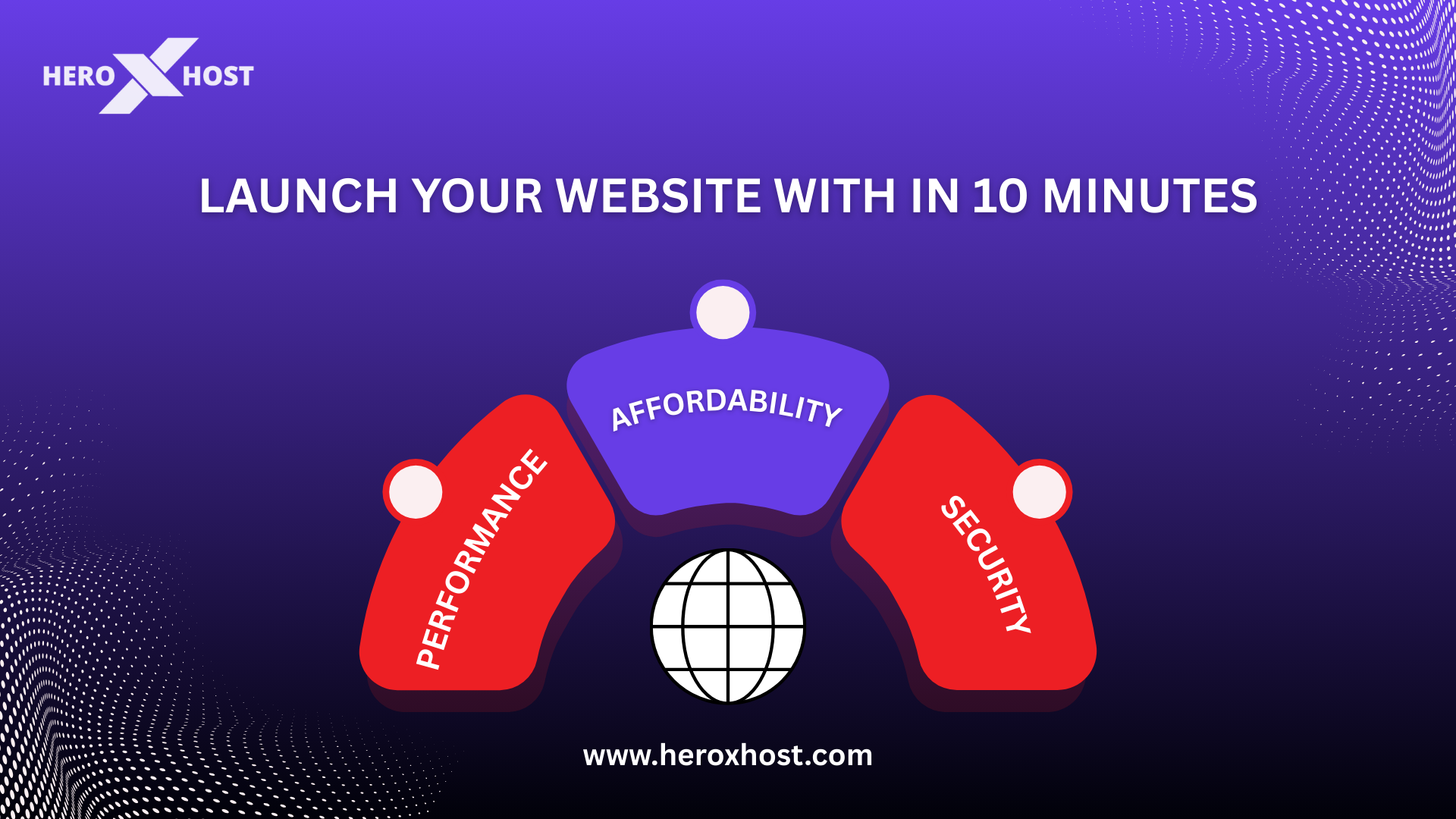
Creating a website in 2026 is easier, quicker, and more affordable than ever before. Whether you are looking to create a business website, blog, portfolio, or online store, modern hosting platforms enable you to launch your website in a matter of minutes. With the help of the right hosting provider, it is possible to launch your website without the need to possess technical or coding skills. Fast web hosting services can help you launch your website in a smooth manner.
Why Fast Web Hosting Matters in 2026
Website speed plays a crucial role in online success today. Search engines prioritize fast-loading websites, and users expect pages to load instantly. If your website is slow, visitors are more likely to leave before exploring your content or services. Fast hosting improves several important aspects of your website. It helps increase search engine rankings, improves user experience, and boosts conversion rates. A reliable hosting server ensures your website remains accessible, loads quickly, and handles traffic efficiently. Affordable hosting plans now offer advanced infrastructure such as SSD storage, optimized servers, and caching technology. These features allow even small businesses and beginners to enjoy high performance without paying expensive fees.
Step 1: Choose the Right Web Hosting Plan
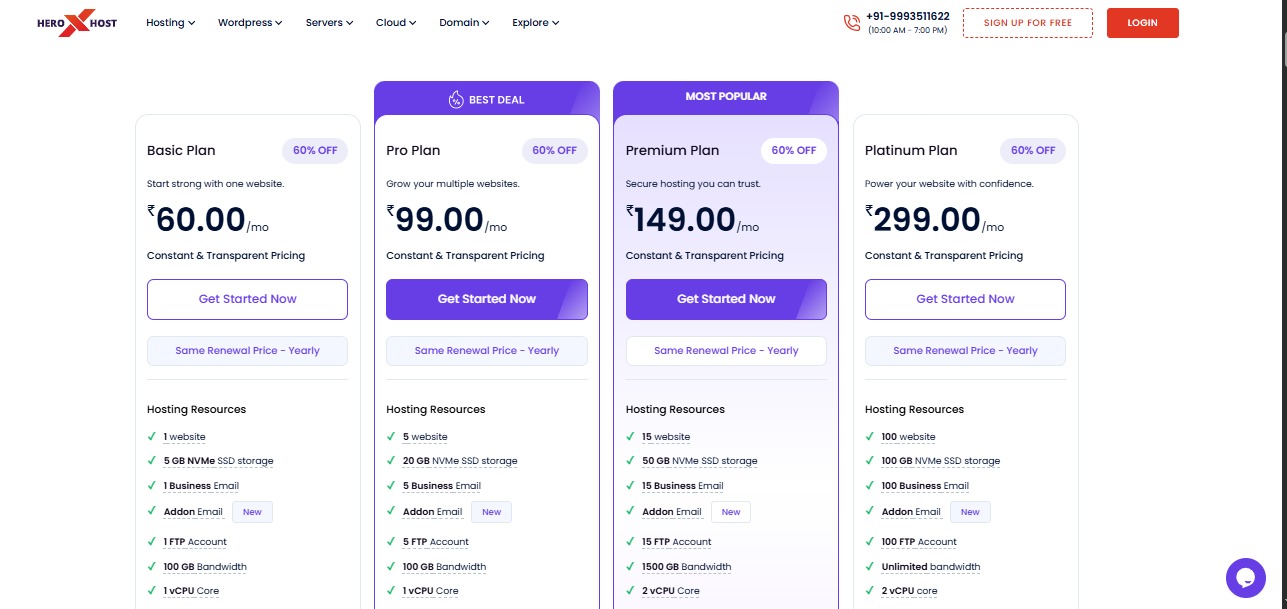
The first step to launching your website is selecting a web hosting plan that fits your needs and goals. Beginners usually start with shared hosting because it is affordable, easy to manage, and suitable for small websites, blogs, and startup businesses. A good hosting plan should include essential features such as fast SSD storage for quicker website loading, high uptime reliability to ensure your website stays online, a free SSL certificate for secure browsing, a one-click application installer to quickly set up platforms like WordPress, and an easy-to-use control panel for managing your website. Choosing a reliable hosting service from the start helps ensure smooth performance, better security, and a stable foundation for your website as it grows.
Step 2: Register Your Domain Name
Step 3: Install a Website Platform in One Click
Step 4: Choose a Website Theme or Design
Once your website platform is successfully installed, the next step is selecting a website theme that will define the overall design, layout, and visual appearance of your website. A theme controls how your website looks to visitors, including important elements such as page structure, typography, color schemes, navigation menus, and overall style. Choosing the right theme is important because it helps create a strong first impression and ensures that your website looks professional and easy to navigate. Today, there are thousands of free and premium themes available, each designed for different types of websites such as blogs, business websites, portfolios, e-commerce stores, or service-based platforms. You can easily select a theme that matches your business goals and industry requirements. After installing the theme, you can further customize it according to your brand identity by adjusting colors, fonts, images, logos, and page layouts to create a unique and personalized design. Most modern themes are built to be user-friendly and highly customizable, allowing you to make changes through simple settings panels without needing any coding knowledge. With just a few adjustments, your website can quickly transform into a professional, attractive, and fully functional online presence that is ready to welcome visitors and showcase your content effectively.
Step 5: Create Essential Website Pages
Every website should include a few basic pages that provide important information to visitors. These pages help establish credibility and guide users through your website.
Home Page
The home page introduces visitors to your website and highlights your main content, services, or products.
About Page
This page tells visitors about your brand, mission, and background. It helps build trust and credibility.
Services or Products Page
If you are running a business website, this page explains what you offer and how customers can benefit from your services or products.
Blog Page
A blog allows you to publish helpful articles, updates, and insights that attract traffic and improve search engine visibility.
Contact Page
This page provides contact information such as email, phone number, or a contact form so visitors can easily reach you.
Step 6: Publish Your Website
After setting up your website design and creating the essential pages, the final step is publishing your website. In most modern website platforms, publishing is a simple process that usually requires just clicking the “publish” button in your website dashboard. Once the website is published, it becomes live and accessible to anyone on the internet through your domain name. Visitors can now browse your pages, explore your content, learn about your services, and interact with your brand online. Before officially promoting your website, it is recommended to test it on different devices such as smartphones, tablets, and desktop computers to ensure that the design, speed, and functionality work smoothly across all screen sizes.
How to Grow Your Website After Launch
Launching your website is only the beginning of building a strong online presence. To achieve long-term success, you need to continuously improve your website and promote it to attract more visitors. One of the most effective strategies is Search Engine Optimization (SEO), which involves optimizing your website content and structure so that search engines can easily understand and rank your pages. Another powerful strategy is content marketing, where you regularly publish valuable blog posts, guides, or articles that provide useful information to your audience and help bring consistent traffic to your website.
Promoting your website through social media platforms is also an effective way to increase visibility and connect with potential visitors or customers. Sharing blog articles, updates, and useful resources can help drive engagement and direct traffic to your site. In addition, website performance optimization is essential for maintaining a positive user experience. Keeping your website fast, secure, and responsive ensures that visitors stay longer and explore more pages.
As your website grows and begins to attract more traffic, it may also become necessary to upgrade your web hosting plan. Moving from basic shared hosting to more powerful options such as VPS or cloud hosting can provide better performance, improved stability, and the ability to handle higher visitor loads. With the right web hosting infrastructure and growth strategy, scaling your website becomes smooth and efficient, allowing your online presence to expand without technical limitations.
Conclusion
Launching a website in 2026 has become faster, easier, and more affordable than ever before. With modern web hosting platforms, you can create and publish a professional website in just a few minutes without needing technical expertise. By choosing a reliable hosting provider, registering a domain name, installing a website platform, and setting up essential pages, you can quickly establish your online presence. Fast web hosting ensures that your website loads quickly, remains secure, and provides a smooth experience for visitors. Once your website is live, you can focus on growing your audience, publishing valuable content, and expanding your online reach. With the right hosting foundation, your website can start small and scale effortlessly as your goals and traffic grow.
Frequently Asked Questions (FAQs)
1. Is it really possible to launch a website in 10 minutes?
Ans. Yes. Modern web hosting platforms provide automated setup tools and one-click installers that allow beginners to launch a basic website within minutes.
2. Do I need technical skills to create a website?
Ans. No. Most website platforms are designed for beginners and offer simple dashboards, drag-and-drop builders, and pre-designed themes.
3. What is the best hosting type for beginners?
Ans. Shared hosting is usually the best choice for beginners because it is affordable, easy to manage, and suitable for small websites.
4. How much does web hosting cost in 2026?
Ans. Web hosting prices vary depending on performance and features, but many providers offer reliable plans starting at very affordable monthly prices.
5. Can I upgrade my hosting later?
Ans. Yes. Most hosting providers allow seamless upgrades to VPS, cloud, or dedicated hosting as your website grows.
6. Do I need a domain name before creating a website?
Ans. Yes. A domain name is required because it acts as the address people use to access your website online.