
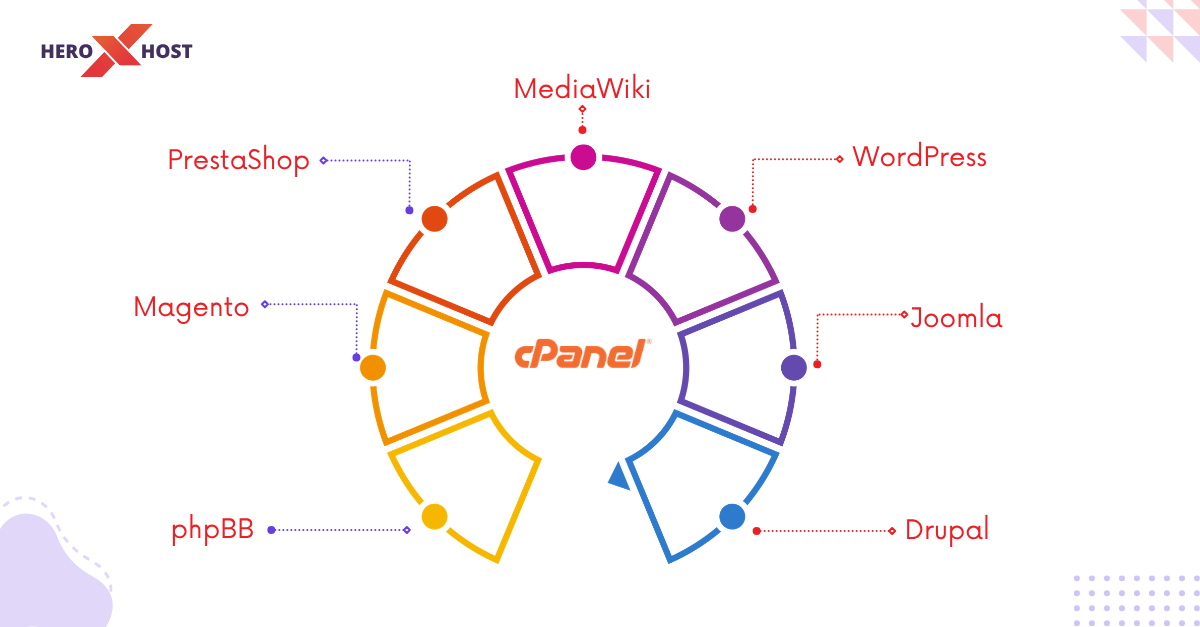
If you are starting your online journey or managing multiple websites, using cPanel can make your life significantly easier. One of its most powerful features is the ability to install applications with just one click. This eliminates the need for manual coding, complicated setups, or technical expertise. Whether you are building a blog, an eCommerce store, or a business website, cPanel provides access to a wide range of applications that can help you launch and scale quickly. In this blog, we will explore seven must-have applications you can install via cPanel in one click, each serving a unique purpose to enhance your website’s functionality and performance.
WordPress: The Ultimate Website Builder for Beginners and Experts
WordPress is undoubtedly the most popular content management system (CMS) in the world, powering millions of websites. With cPanel’s one-click installer, you can set up WordPress in just a few minutes without any technical hassle. It offers thousands of themes and plugins, allowing you to customize your website exactly the way you want. Whether you are creating a blog, portfolio, business website, or even an online store, WordPress provides unmatched flexibility. Its SEO-friendly structure, mobile responsiveness, and ease of use make it the go-to choice for beginners as well as professionals. Once installed, you can manage everything from a simple dashboard, making website management extremely convenient.
Joomla: A Flexible CMS for Advanced Users
Joomla is another powerful CMS that offers more flexibility in terms of structure and user management compared to WordPress. It is ideal for users who want more control over their website’s functionality without diving too deep into coding. With cPanel, you can install Joomla in just one click and start building complex websites such as membership portals, social networks, and community forums. Joomla provides a robust framework for developers while still being accessible to intermediate users. It also comes with built-in multilingual support, making it a great choice for global websites.
Drupal: Best for High-Performance and Scalable Websites
Drupal is known for its strong security and scalability, making it a preferred choice for large organizations and enterprise-level websites. Installing Drupal via cPanel is quick and straightforward, allowing you to bypass the complex manual setup process. It is highly customizable and supports advanced functionalities, making it suitable for websites that require high performance and heavy traffic handling. While Drupal may have a steeper learning curve compared to WordPress, its flexibility and powerful features make it a valuable tool for developers and businesses looking to build robust web platforms.
PrestaShop: Build Your Online Store Effortlessly
If you are planning to launch an eCommerce business, PrestaShop is a fantastic application you can install via cPanel. It provides a complete solution for creating and managing an online store. From product listings and inventory management to payment gateways and shipping options, PrestaShop offers everything you need to run a successful eCommerce website. The platform is user-friendly and comes with a variety of themes and modules to enhance your store’s appearance and functionality. With one-click installation, you can have your online store up and running in no time, even if you have limited technical knowledge.
Magento (Open Source): Advanced eCommerce for Growing Businesses
Magento is another powerful eCommerce platform designed for businesses that require advanced features and scalability. With cPanel’s one-click installation, setting up Magento becomes much easier than traditional manual installation. It offers extensive customization options, allowing you to create a highly personalized shopping experience for your customers. Magento is ideal for medium to large businesses that expect high traffic and need advanced tools such as customer segmentation, detailed analytics, and multi-store management. Although it may require more resources and technical understanding, its capabilities make it a top choice for serious eCommerce ventures.
phpBB: Create a Community Forum with Ease
Building an online community is a great way to engage users and grow your brand, and phpBB is one of the best tools for that purpose. With cPanel, you can install phpBB in just one click and start creating discussion forums for your audience. It is lightweight, easy to manage, and comes with a variety of customization options. You can create different categories, moderate discussions, and manage users efficiently. phpBB is ideal for niche communities, support forums, or any platform where user interaction is essential.
MediaWiki: Perfect for Knowledge-Based Websites
MediaWiki is the software behind Wikipedia and is perfect for creating knowledge-sharing platforms or documentation websites. With cPanel’s one-click installer, you can quickly set up MediaWiki and start building a collaborative knowledge base. It allows multiple users to contribute, edit, and manage content, making it ideal for teams and organizations. MediaWiki is highly scalable and supports extensive content management features, making it suitable for educational platforms, internal documentation, or public knowledge hubs.
How One-Click Installations Save Time and Effort
One-click installations in cPanel apps eliminate the need for manual file uploads, database creation, and configuration settings. This not only saves time but also reduces the chances of errors during setup. Even if you are a beginner with no technical background, you can easily install and manage these applications. Additionally, most one-click installers come with automatic updates and security features, ensuring your applications remain safe and up to date.
Choosing the Right Application for Your Needs
Selecting the right application depends on your goals. If you want a simple and flexible website, WordPress is the best choice. For more complex structures, Joomla or Drupal might be suitable. If your focus is eCommerce, PrestaShop or Magento will serve your needs effectively. Similarly, if you want to build a community or knowledge-sharing platform, phpBB and MediaWiki are excellent options. Understanding your requirements will help you make the right decision and get the most out of your hosting environment.
Tips to Maximize Performance After Installation
After installing your preferred application, it is important to optimize it for better performance. Always choose a lightweight theme and install only necessary plugins to avoid slowing down your website. Enable caching and use a Content Delivery Network (CDN) to improve loading speed. Regularly update your applications and take backups to ensure security and reliability. These simple steps can significantly enhance your website’s performance and user experience.
Conclusion: Build Faster and Smarter with cPanel Apps
cPanel’s one-click installation feature is a powerful tool that simplifies website creation and management. Whether you are a beginner or an experienced developer, these applications can help you achieve your goals quickly and efficiently. From building blogs and business websites to launching online stores and community forums, the possibilities are endless. By choosing the right applications provider and optimizing them properly, you can create a professional and high-performing website without unnecessary complexity.
FAQs
1. What is one-click installation in cPanel?
It is a feature that allows you to install applications instantly without manual setup.
2. Which is the best CMS for beginners?
WordPress is the easiest and most beginner-friendly CMS.
3. Can I install multiple applications in cPanel?
Yes, you can install and manage multiple applications on the same hosting account.
4. Is one-click installation safe?
Yes, it is safe if your hosting provider offers secure and updated installers.
5. Which app is best for eCommerce websites?
PrestaShop and Magento are excellent choices for online stores.
6. Do I need coding knowledge to use these apps?
No, most applications are user-friendly and do not require coding skills.