In today’s data-driven digital environment, businesses, developers, and IT teams rely heavily on real-time monitoring and visualization tools to track infrastructure health, application performance, and server analytics. Grafana has become one of the most trusted open-source platforms for monitoring dashboards because it allows users to visualize metrics from multiple data sources such as Prometheus, MySQL, InfluxDB, and Elasticsearch in one place. However, deploying Grafana efficiently requires more than just Docker knowledge—it also depends on choosing the right VPS hosting environment. This is where HeroXHost VPS creates a major difference. Running Grafana in Docker on a poorly optimized server often leads to slow deployments, network bottlenecks, resource limitations, and security concerns. HeroXHost VPS is designed to remove these barriers by combining NVMe SSD storage, scalable resources, full root access, optimized virtualization, and reliable uptime to make Grafana Docker deployment significantly faster, easier, and more stable. Whether you are a startup managing application metrics or an enterprise monitoring complex cloud infrastructure, HeroXHost VPS provides the ideal foundation for seamless Grafana deployment.
Understanding Grafana Docker Deployment: Why It’s Popular
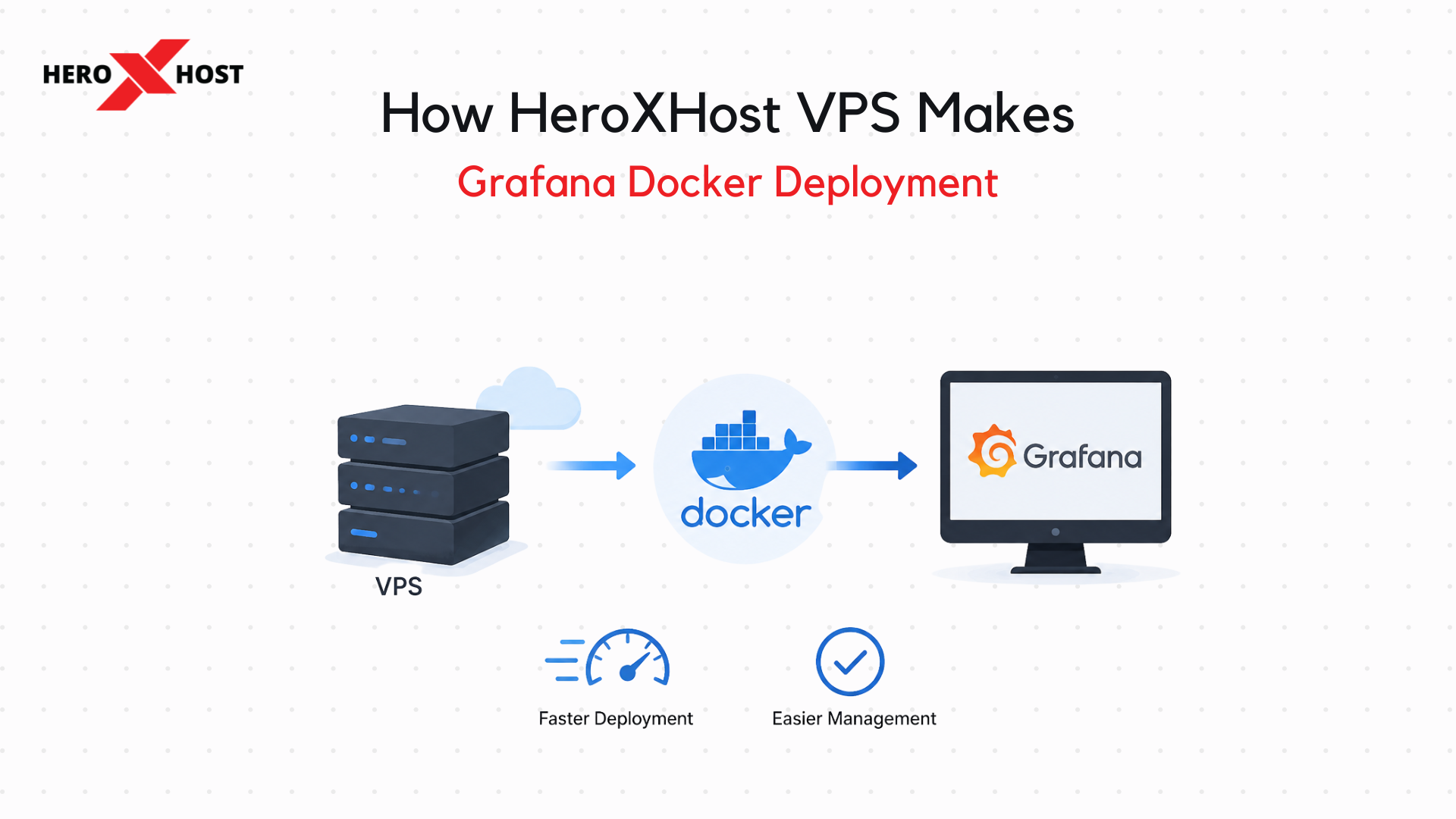
Docker has transformed how applications are deployed by packaging software into lightweight, portable containers that run consistently across environments. Instead of manually configuring Grafana on different operating systems, Docker allows users to deploy Grafana in minutes using pre-built container images. Grafana Docker deployment is popular because it simplifies installation, reduces compatibility issues, and makes updates much easier. Users can launch Grafana with minimal setup, integrate data sources quickly, and scale monitoring systems without rebuilding environments from scratch. Grafana Docker Deployment also supports isolated environments, which means Grafana runs independently without interfering with other applications. Despite these advantages, Docker performance is highly dependent on server speed, CPU allocation, RAM, and storage I/O. If the VPS lacks performance optimization, Grafana dashboards may load slowly, plugins can lag, and monitoring alerts may experience delays. HeroXHost VPS solves these performance challenges with infrastructure built specifically for modern containerized applications.
Why HeroXHost VPS Is Built for Faster Docker Performance
HeroXHost VPS offers a hosting architecture optimized for Docker-based deployments, which directly improves Grafana setup speed and long-term performance. Unlike traditional hosting solutions that struggle with container workloads, HeroXHost provides dedicated resources that ensure Grafana Docker Deployment containers run smoothly. The biggest advantage is NVMe SSD storage. Grafana frequently reads dashboards, plugin files, and metric configurations, while connected databases continuously write monitoring data. NVMe storage dramatically reduces read/write latency, making Grafana startup faster and dashboard rendering more responsive. High-performance CPUs on HeroXHost VPS ensure Docker containers initialize quickly, process metrics efficiently, and handle multiple data visualizations without lag. Combined with scalable RAM options, users can allocate enough memory for Grafana, Prometheus, Loki, and supporting services simultaneously. This optimized environment means users spend less time troubleshooting deployment issues and more time analyzing meaningful data.
One-Click Docker Ready Environment Saves Setup Time
One of the major reasons HeroXHost VPS makes Grafana deployment easier is its Docker-friendly server environment. Many VPS providers require complex dependency installations, firewall changes, or manual kernel adjustments before Docker functions properly. This can be frustrating for beginners and time-consuming for experienced DevOps teams. HeroXHost simplifies this process by offering VPS environments that are highly compatible with Grafana Docker Deployment installations from the start. With full root access, users can install Docker Engine, Docker Compose, and Grafana containers quickly without restrictive limitations. This streamlined setup reduces deployment time dramatically. Instead of spending hours configuring infrastructure, users can launch Grafana in just a few commands. This simplicity is especially useful for businesses that need rapid deployment for monitoring production systems.